How to Speed Up a Slow Phone: Clear Cache, Free Space, and Boost Performance
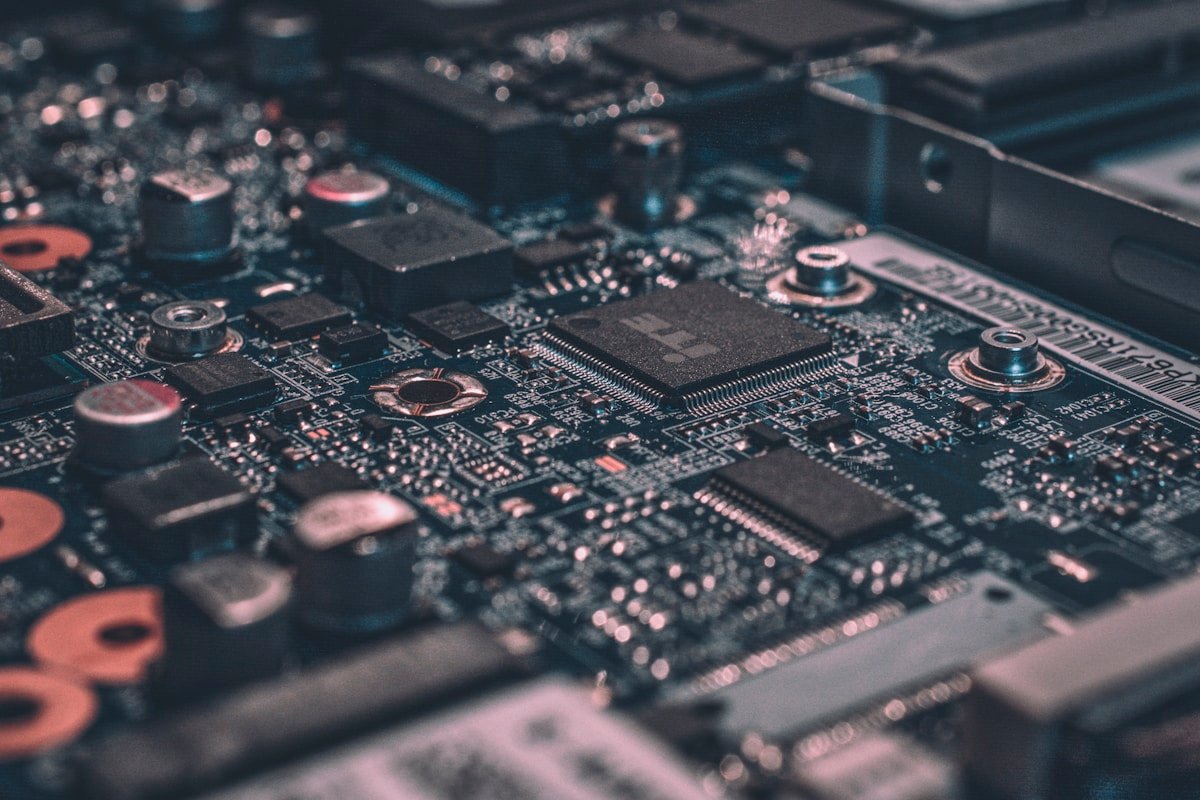
Over time, smartphones naturally slow down as they accumulate files, apps, and background processes. A sluggish phone can be frustrating, especially when you need to make a call quickly or look up information. Fortunately, there are several simple steps you can take to restore your phone’s speed without buying a new device.
This guide covers the most effective ways to speed up both iPhone and Android phones. Most of these steps take only a few minutes and can make a noticeable difference in performance.
Clearing the Cache on Android
The cache stores temporary files that help apps load faster, but over time a large cache can slow down your phone. On Android, go to Settings, then Storage, then Cached Data. Tap Delete Cached Data to clear temporary files from all apps at once. This does not delete your personal files or app data.
You can also clear the cache for individual apps. Go to Settings, Apps, select an app, and tap Storage. Tap Clear Cache to remove temporary files for that specific app. Browsers and social media apps tend to accumulate the most cache data, so clearing these can provide the biggest improvement.
Freeing Up Storage Space on iPhone
When your iPhone storage is nearly full, performance suffers. Go to Settings, General, then iPhone Storage. You will see a bar showing how much space is used and recommendations for freeing up space. Offloading unused apps removes the app but keeps its documents and data for easy reinstallation.
Review the list of apps and their storage usage. Delete apps you no longer use by tapping the app and selecting Delete App. Large games, streaming apps with downloaded content, and photo editing apps typically use the most space. Removing a few large apps can significantly improve performance.
Closing Background Apps
Apps running in the background consume system resources even when you are not using them. On an iPhone with a Home button, double-click the Home button to see open apps. Swipe up on each app to close it. On iPhones without a Home button, swipe up from the bottom and pause, then swipe up on each app.
On Android, tap the square Recent Apps button or swipe up and hold. You will see all open apps. Swipe them away individually or tap Close All to clear all background apps. Doing this once a week helps maintain performance, especially on older phones with less memory.
Updating Your Operating System
Phone manufacturers release regular software updates that include performance improvements and bug fixes. Running an outdated operating system can cause slowdowns and security vulnerabilities. Go to Settings, General, Software Update on iPhone or Settings, System, System Update on Android to check for updates.
Install updates when they are available. Updates require a Wi-Fi connection and sufficient battery life. Plug your phone in to charge during the update process. The update typically takes 15 to 30 minutes. After updating, your phone will restart and often feels noticeably faster.
Disabling Unnecessary Animations
Visual animations make the phone look smooth but can slow down older devices. On Android, go to Settings, Developer Options. If Developer Options is not visible, go to About Phone and tap Build Number seven times. Look for Window Animation Scale, Transition Animation Scale, and Animator Duration Scale and set each to 0.5x or Off.
On iPhone, go to Settings, Accessibility, then Motion. Enable Reduce Motion to disable parallax effects and transitions. This makes the phone feel faster because it skips visual effects. The trade-off is that the phone will feel less polished but will respond more quickly to your inputs.
If your phone remains slow after trying these steps, it may be reaching the end of its useful life. Batteries degrade over time and can cause performance issues. A battery replacement at a phone repair shop costs much less than a new phone and can restore significant performance on older models.
Önerilen İçerikler
Meta Cuts 8,000 Jobs, Intuit Slashes 3,000 as AI Restructuring Sweeps Tech
Apple TV to Broadcast First MLS Game Shot Entirely on iPhone 17 Pro This Saturday

Google and Blackstone Launch $5 Billion AI Cloud Venture as Tech Giants Race for Dominance
Samsung Faces Largest Strike in History as 45,000 Workers Walk Out Over AI Profit Share

Google I/O 2026 Ushers in the Agentic AI Era with Gemini 3.5 and Gemini Spark

AI Cracks 80-Year-Old Math Problem That Stumped the World’s Greatest Mathematicians

Midjourney vs DALL-E 3: The Ultimate AI Image Generation Comparison in 2026

Yorumlar (0)
Bu haber için henüz yorum yapılmamış. İlk yorumu siz yapın!